 Alcove Labs
Horology
Know how your watch is really running.
Rest a mechanical watch against your iPhone or iPad. Horology listens to the beat and shows its rate, beat error and amplitude, each with a tolerance, in about a minute.
The classic display
Reading the trace
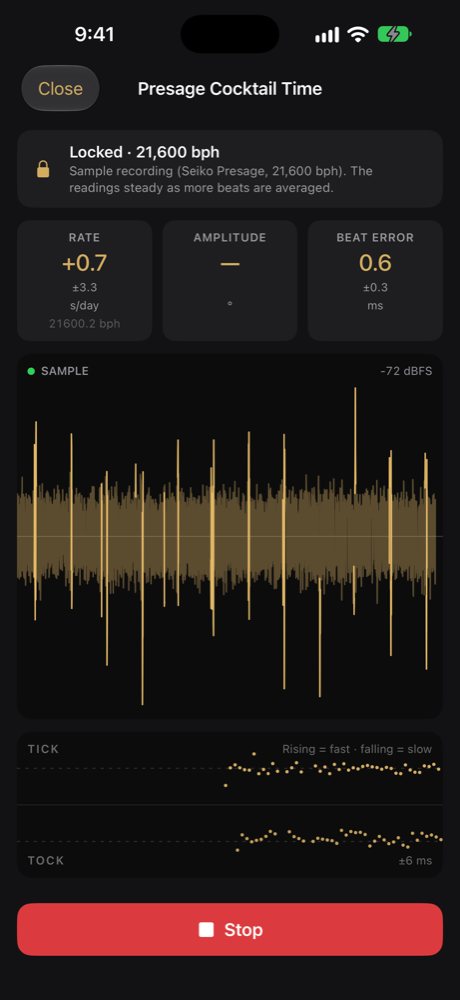
Every tick and every tock is a dot, in two rows. Watch where the dots go as the measurement runs.
Every screen
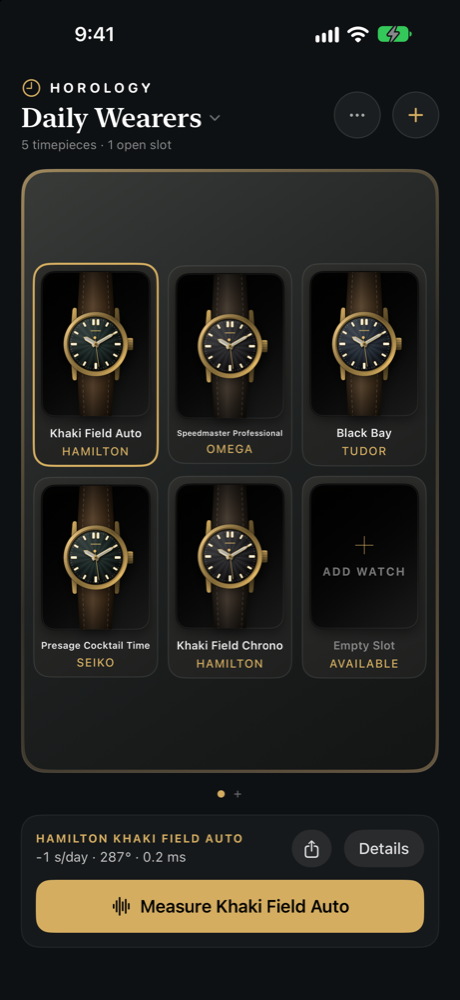
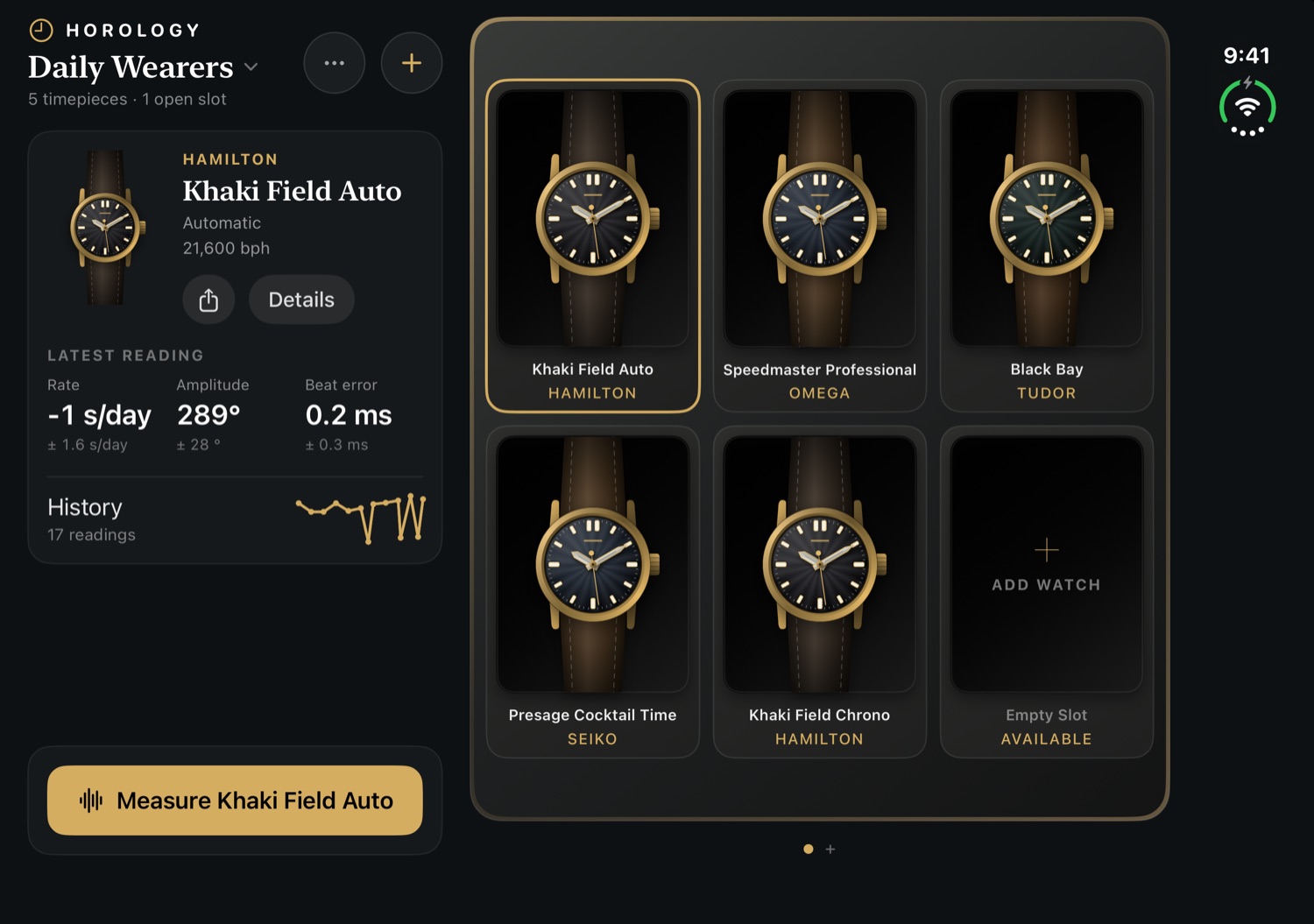
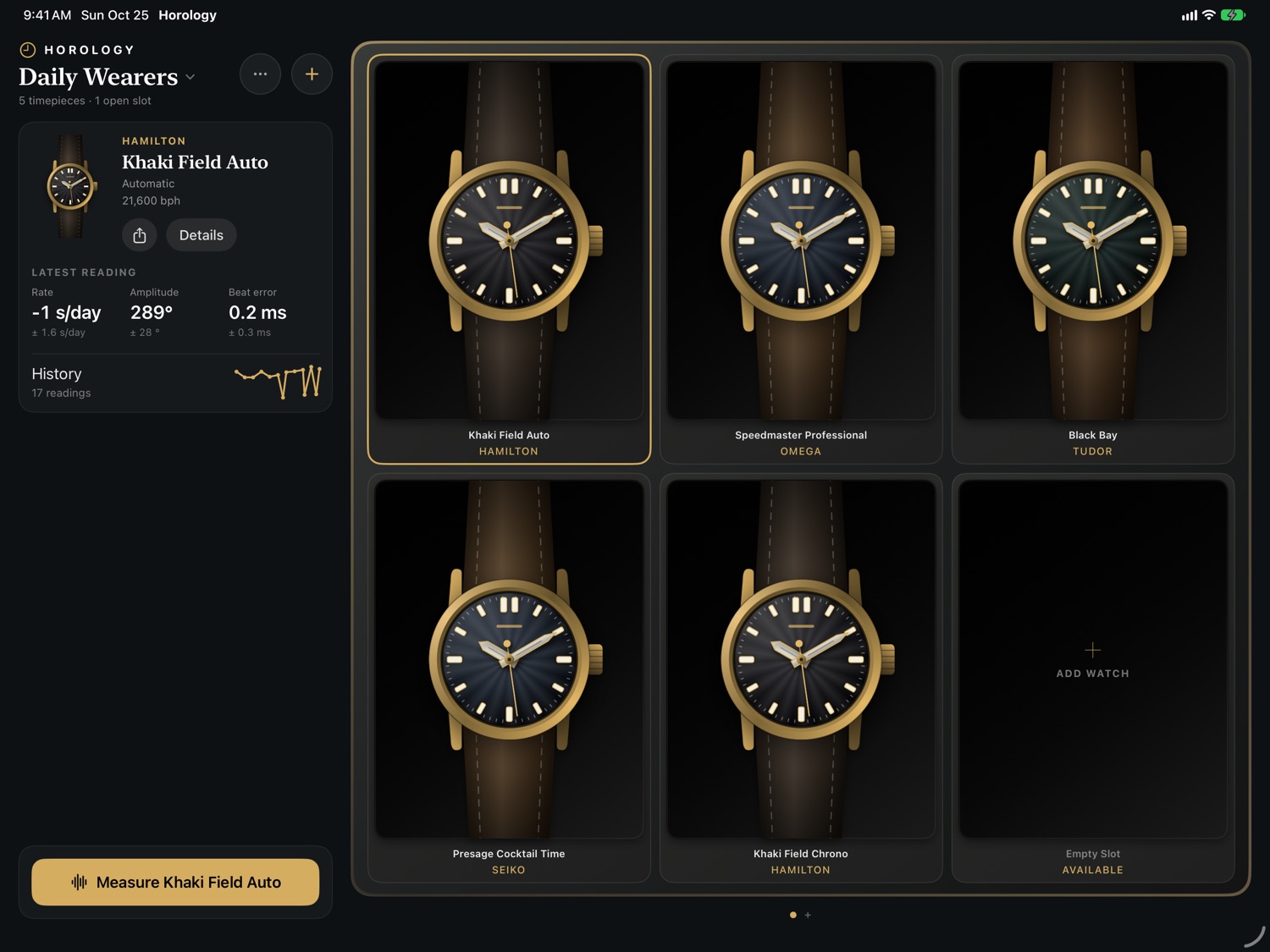
One app, laid out for each device
What you see
Honest numbers
Seconds per day
How fast or slow the watch runs, with a tolerance so you know how far to trust it.
Milliseconds
How evenly the escapement ticks and tocks.
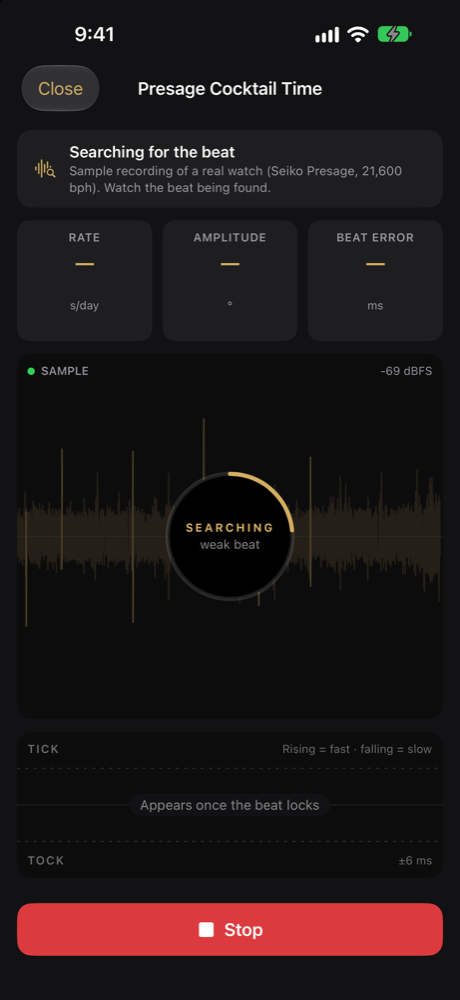
Recognised automatically
From 12,000 to 36,000 beats per hour, no setting to get wrong.
When it's clear
Shown only when the sound is clear enough to read it.
The classic display
Ticks and tocks as two rows of dots: flat means true, climbing means fast, sinking means slow.
A guided start
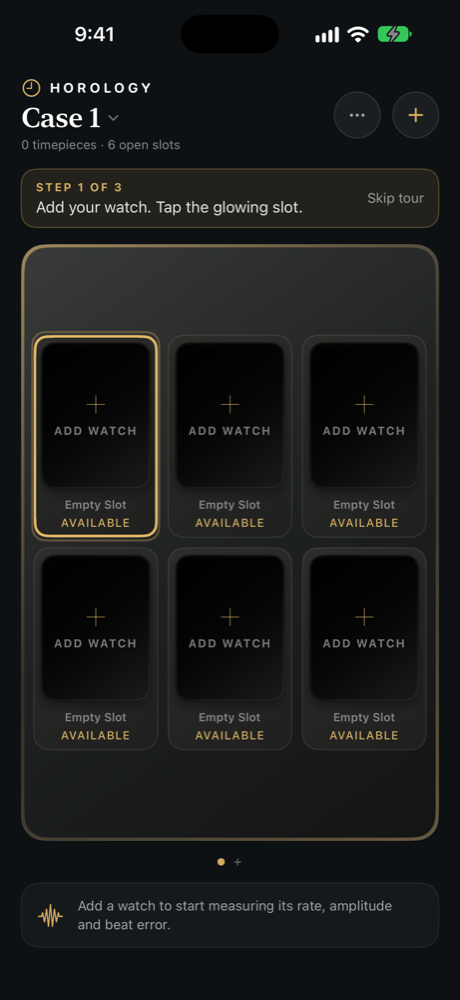
Add your first watch and measure it in about two minutes, or try the built-in sample recording.
Horology waits until it has locked onto the beat before it shows a number, stops by itself when the reading is steady, and tells you if the rate moved. If it can't hear the watch, it shows you where to place it instead of guessing. It is built for mechanical watches: a quartz watch ticks once a second, far slower than the beat rates Horology recognises, and a Spring Drive glides, so neither can be measured.
In the app
Your collection, at a glance
Pricing
Free to measure. Pro to track.
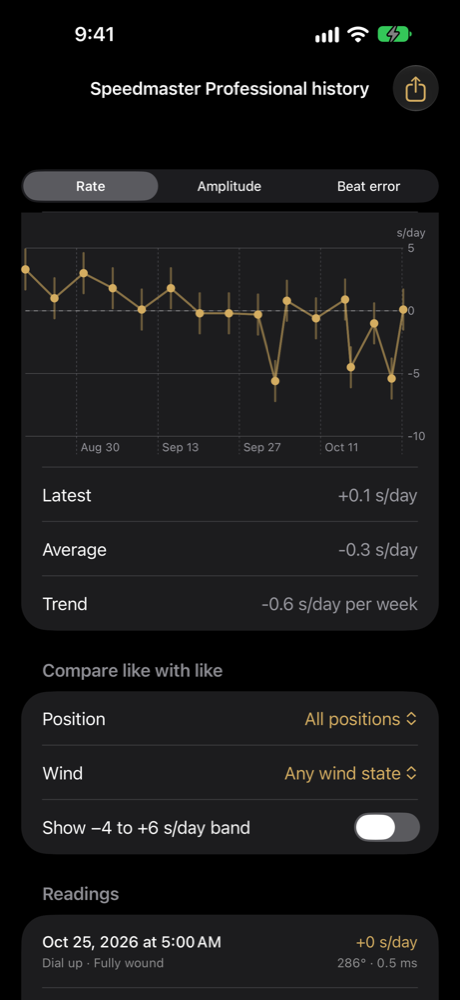
Measuring is free and unlimited. A one-time Pro purchase adds reading history, charts, CSV export and more than one case. No subscription, no ads. Everything stays on your device.
Support